01
Inspections
See approaching maintenance before it becomes a scramble.
Organize calendar, flight-hour, and cycle-based due work in a shared operating view.


Aircraft maintenance operations
Airways gives aircraft owners, fleet operators, A&P mechanics, and MRO teams a clearer place to review inspections, records, and open maintenance work.
One aircraft context
Visible due work
Readable handoffs
Original source product view
The operating problem
Aircraft maintenance moves through intervals, inspections, findings, work, records, and handoffs. When each part lives in a different tool, the team spends time rebuilding the current state before it can act.
Airways is designed to make that state easier to inspect in one maintenance-focused surface.
Maintenance control
Not generic project cards—operational lanes that carry aircraft context from due-work review into action and history.
Organize calendar, flight-hour, and cycle-based due work in a shared operating view.
Bring aircraft context and maintenance records together instead of searching across paper, folders, and inboxes.
Track work orders from scope and assignment through status and maintenance-record handoff.
Original source screenshot
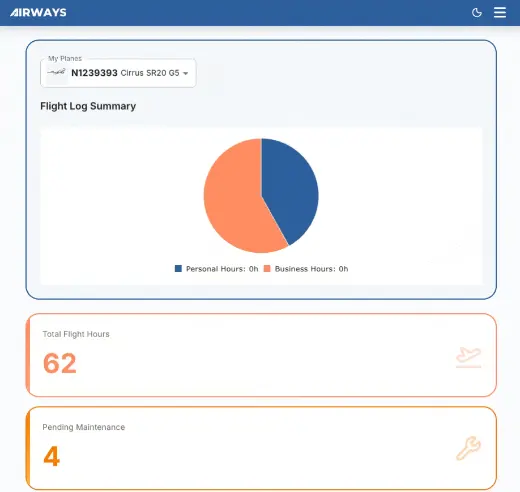
The screenshot from the original Airways source repository shows an aircraft selector, flight-log summary, pending maintenance, scheduled appointments, and an upcoming-maintenance table. Evaluation begins with visible product evidence rather than an invented interface.
Read the feature breakdown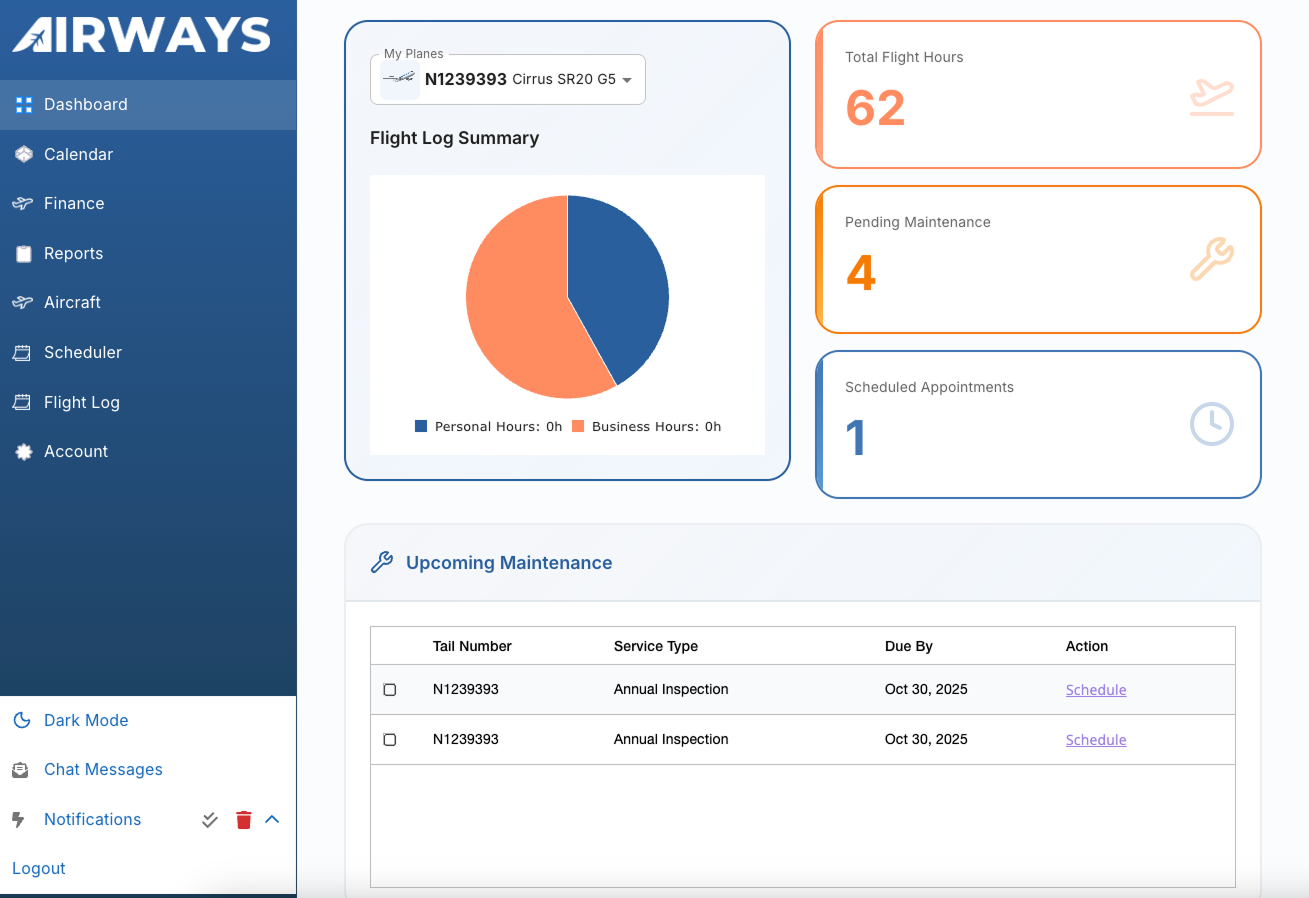
Operational sequence
Exact workflows and integrations should be tested in a product walkthrough against your operation.
Start with the aircraft and maintenance information available today.
Make approaching inspections and open maintenance visible for planning.
Carry scoped work through assignment, status, and review.
Close the loop with completion context the next handoff can use.
One system, different decisions
Review upcoming needs and maintenance history without translating an internal shop tracker.
See where attention is needed across aircraft and coordinate the next operational step.
Receive clearer context, update work status, and preserve a useful maintenance handoff.
Connect planning, execution, and records across the maintenance line.
Product evaluation
Review the product against your aircraft, roles, records, and handoffs. Confirm current capabilities, implementation fit, and commercial terms directly with Airways.