01
Scope
Describe the work before it starts
Capture the aircraft, maintenance need, and known context so technicians are not handed a vague request.

Maintenance execution
Coordinate aircraft maintenance work orders, assignments, status, and record handoffs in Airways.
Operational intent
Work orders are most useful when the open issue, assigned work, current status, and final maintenance record remain connected. Airways presents that flow as an operational surface rather than another disconnected task list.
Control points
Capture the aircraft, maintenance need, and known context so technicians are not handed a vague request.
Give the operation a shared view of work that is pending, underway, awaiting input, or ready to close.
Carry the result and supporting information into the aircraft’s maintenance record.
Original source screenshot
This screenshot comes from the original Airways source repository. It provides concrete material for a walkthrough without implying capabilities that still need confirmation.
Review the complete feature map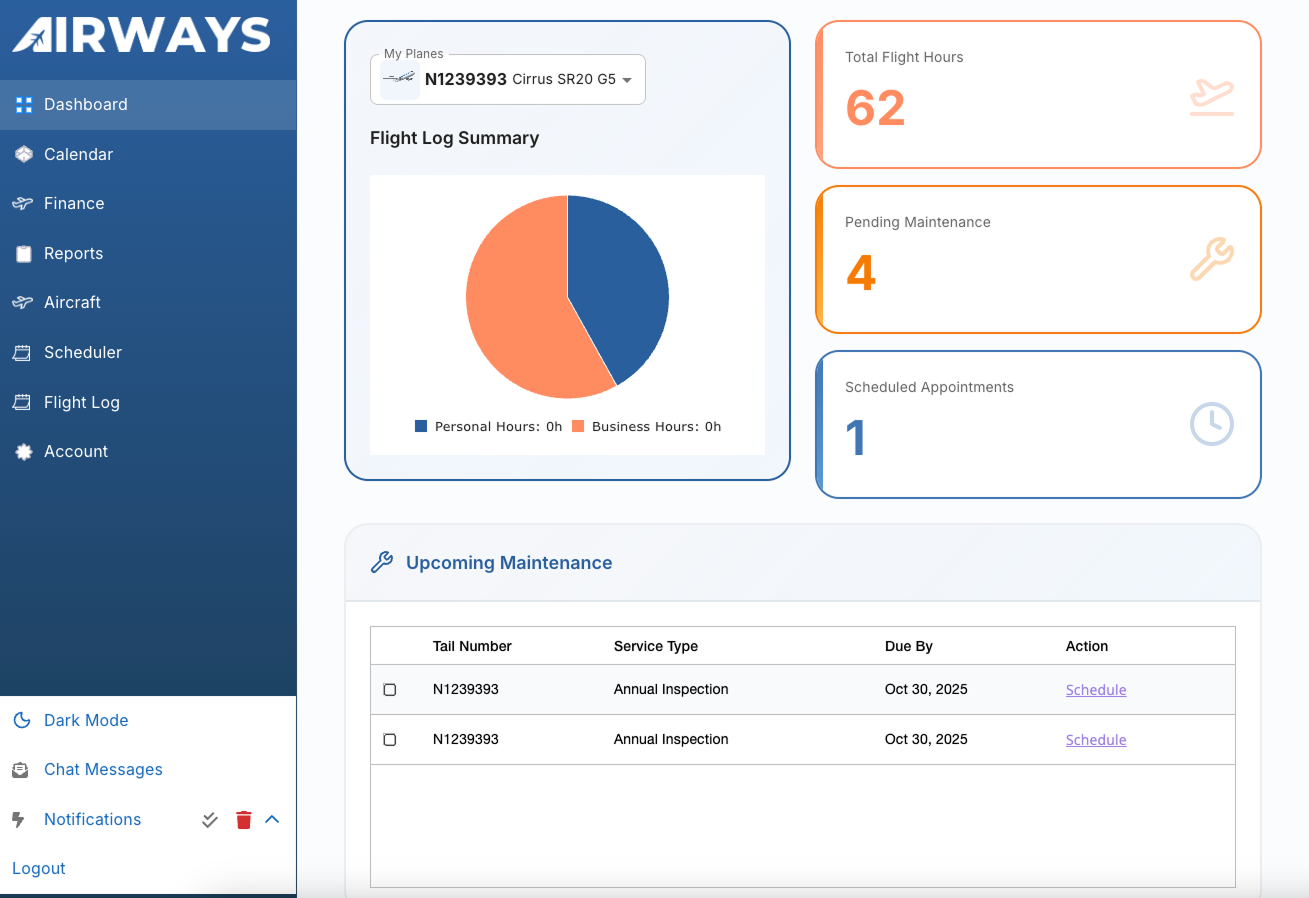
Workflow path
Document the aircraft, reported need, and available maintenance context.
Make ownership and the next expected action visible to the people involved.
Keep the operational view current as work progresses and conditions change.
Close the work with the result and link it back to the maintenance history.
Walkthrough checklist
Product evaluation
Review the product against your aircraft, roles, records, and handoffs. Confirm current capabilities, implementation fit, and commercial terms directly with Airways.